
 Endodontic Rotary Files
 Finishing Burs
 High-Speed Burs
 Low-Speed Drills
 Cosmetic Accessories
 Home Whitening Kits
 Clinic Whitening Kits
 Implant Accessories
 Implant Fixtures
 Prosthetic Components
 Surgical Implant Tools
 CAD & CAM Materials
 Lab Consumables
 Lab Equipment
 Digital Dentistry Devices
 Endodontic Equipment
 General Clinic Equipment
 Restorative Equipment
 Surgical Equipment
 Hand Files
 Irrigation & Medicaments
 Post & Core
 Rotary Files
 Sealers
 Brackets & Wires
 Clear Aligners
 Orthodontic Accessories
 Bonding & Adhesive Systems
 Finishing & Polishing
 Matrix Systems
 Etching Materials
 Composite Materials
 Occlusion Checking
 Bone & Grafting Materials
 Surgical Accessories
 Surgical Consumables
 Cementation
 Impression & Registration Materials
 Temporary Restorations
 Periodontal Instruments & Accessories
 Periodontal Treatment Materials


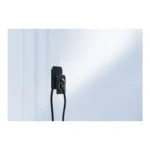

Digital Dentistry Devices
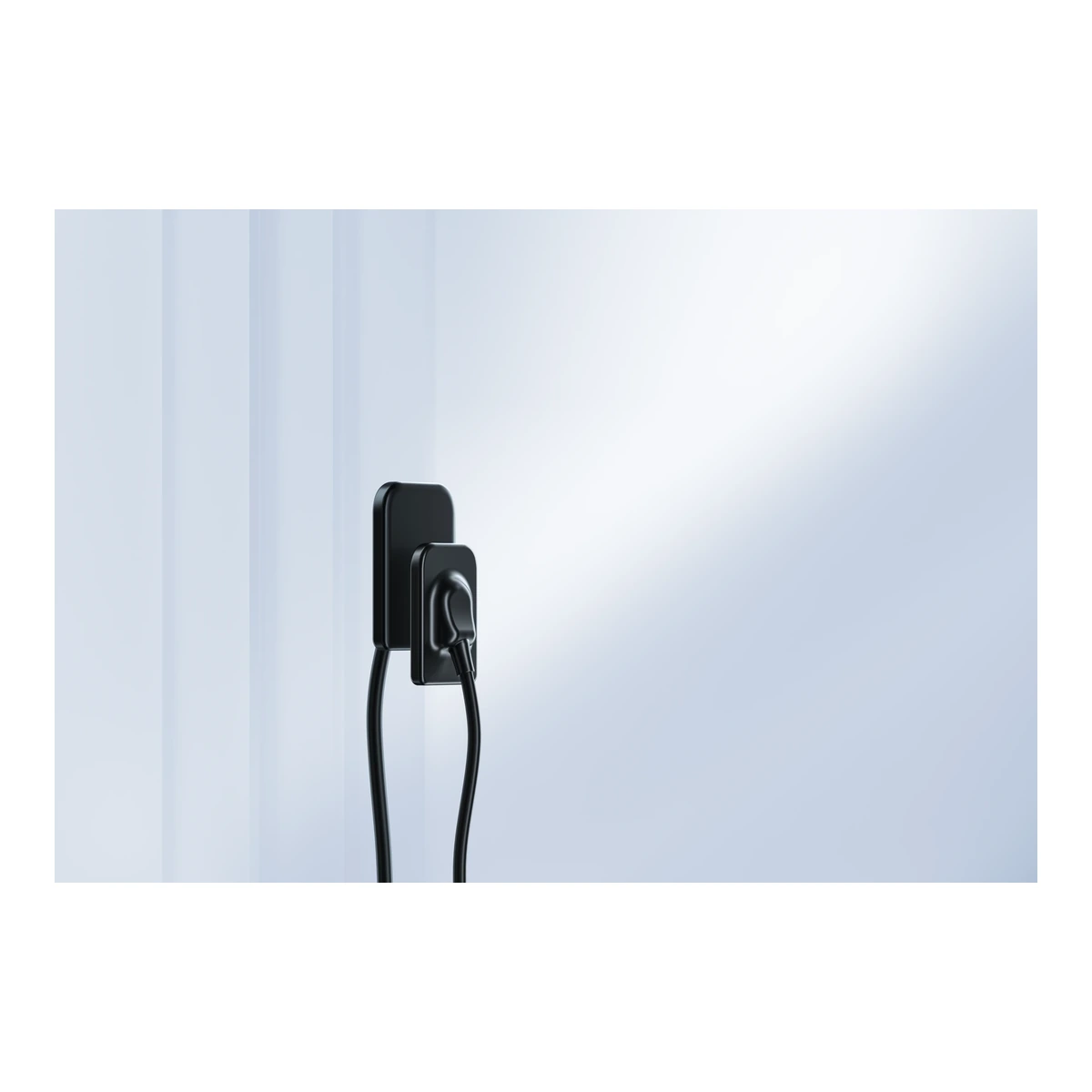
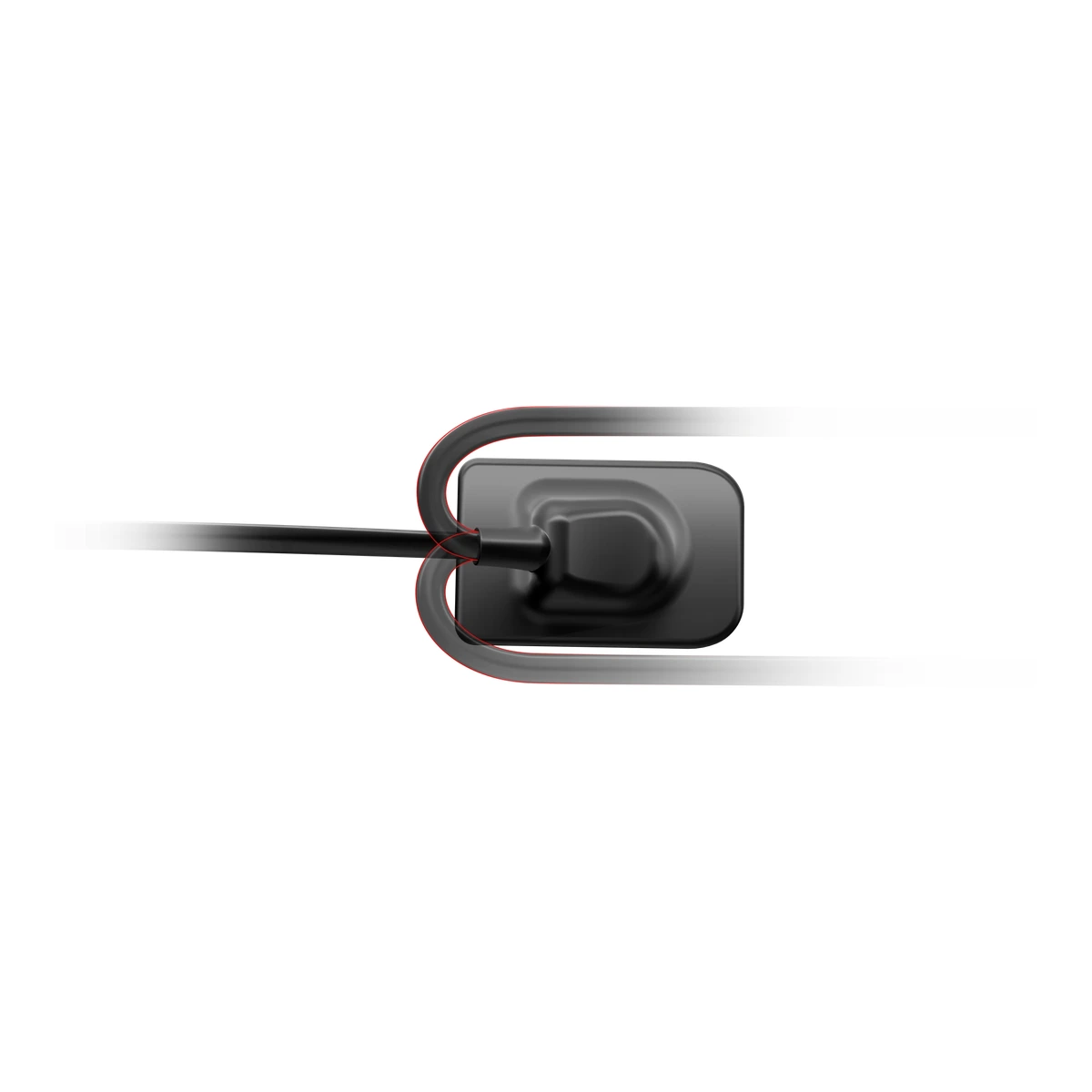
Woodpecker i-Sensor Digital Intraoral X-Ray Sensor
Woodpecker i-Sensor provides a direct digital intraoral imaging option for clinics planning their radiography workflow. Consider the detector size, computer connection and compatible imaging software together: these determine how the sensor fits the treatment room and the team’s records process. The offered sensor size still needs to be selected from the confirmed supply configuration.
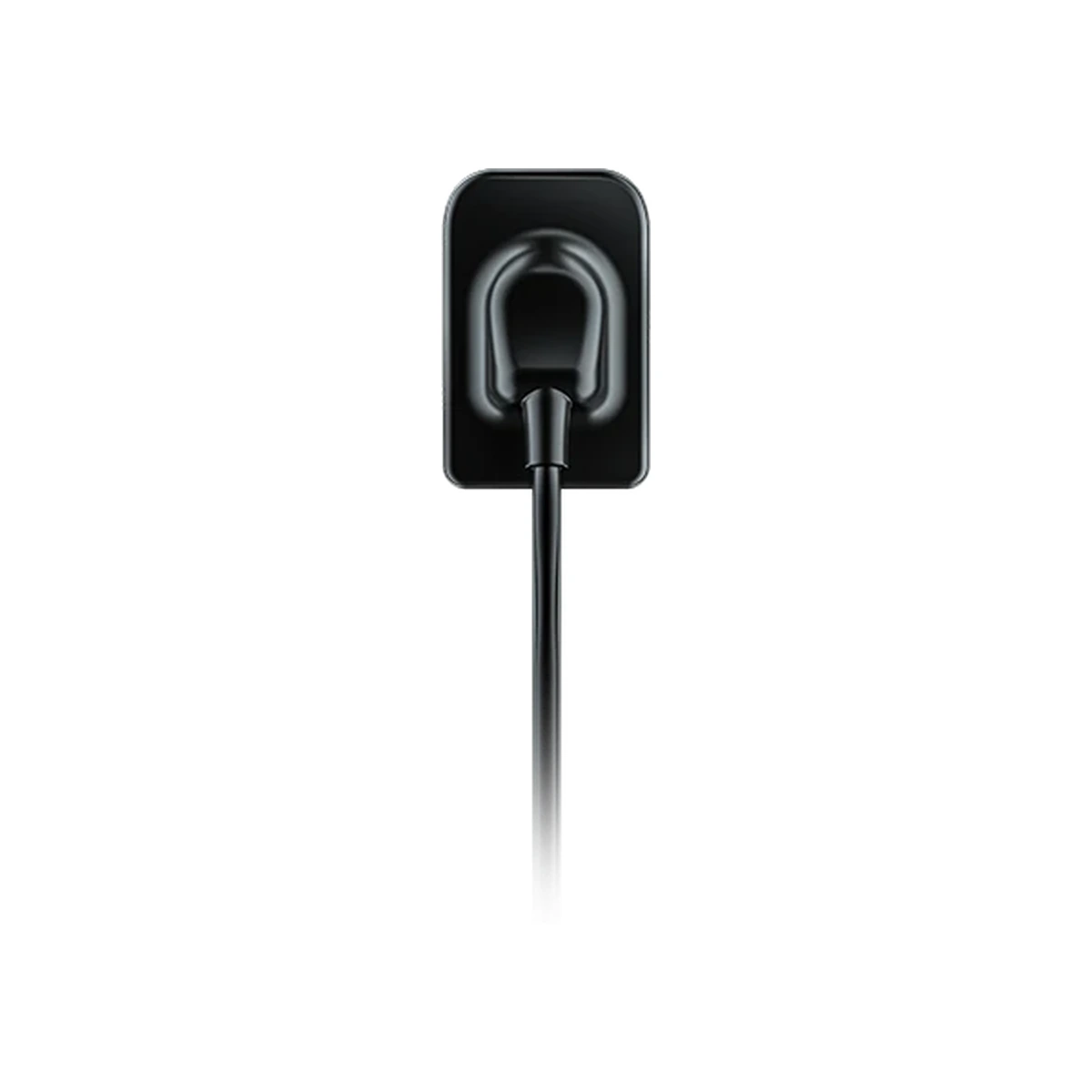
Woodpecker i-Sensor: capture images without a separate plate-reading stage
The sensor records the radiographic exposure electronically and communicates with the imaging system. This differs from a phosphor-plate workflow, in which the exposed plate is taken to a separate reader. The practical advantage to evaluate is how direct acquisition fits the clinic’s image review and record process. Positioning, patient identification and reliable connection to the acquisition workstation remain important parts of obtaining and managing the examination.
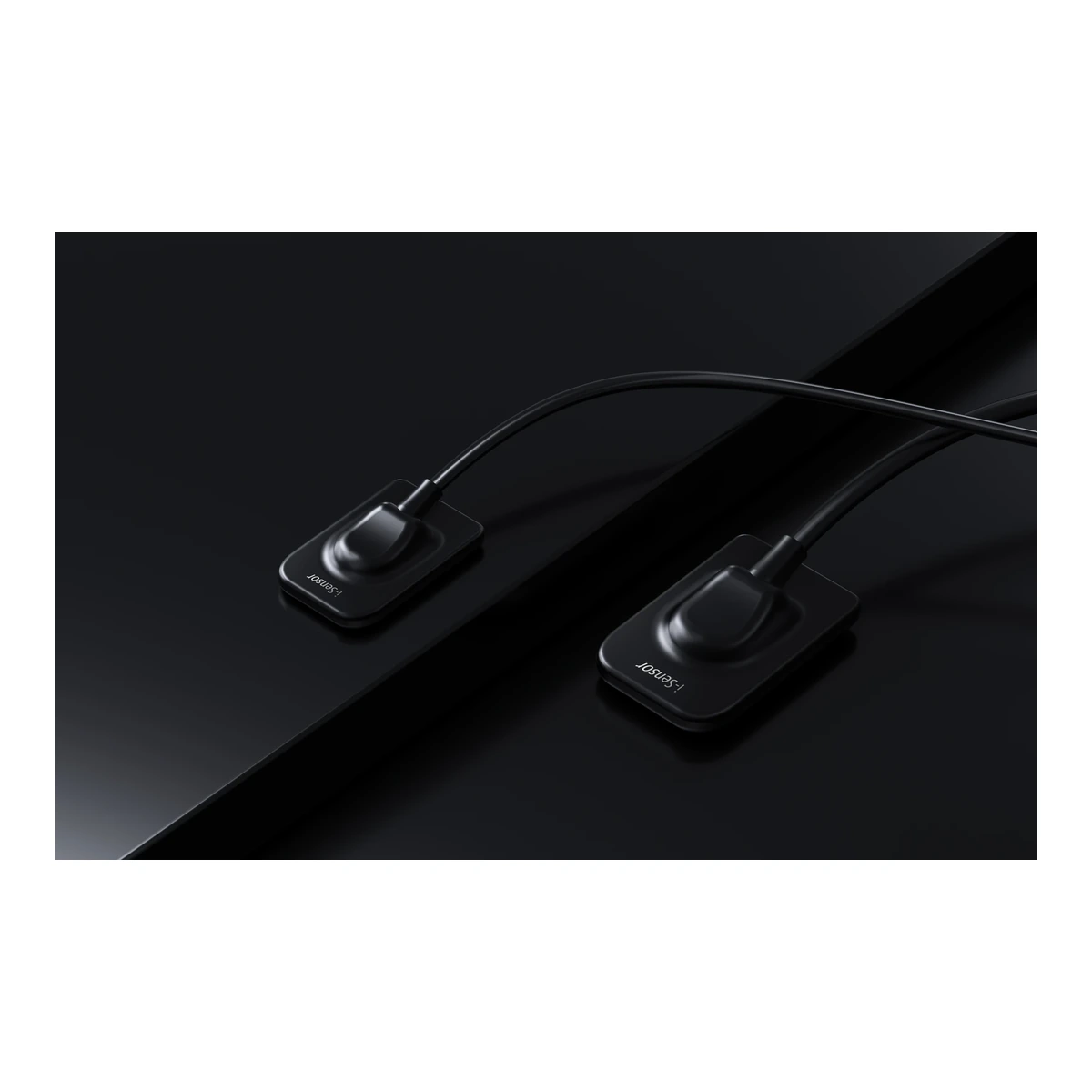
Match the physical sensor format to the examination
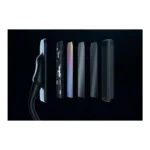
Woodpecker i-Sensor literature describes different sensor sizes within the family. The physical outline and active imaging area affect positioning and the field recorded, so the exact size should be specified when ordering. Select the appropriate format with regard to the planned examinations and patient requirements. This product information describes the sensor family; the confirmed order identifies the individual sensor format supplied.
Consider the detector and the software together
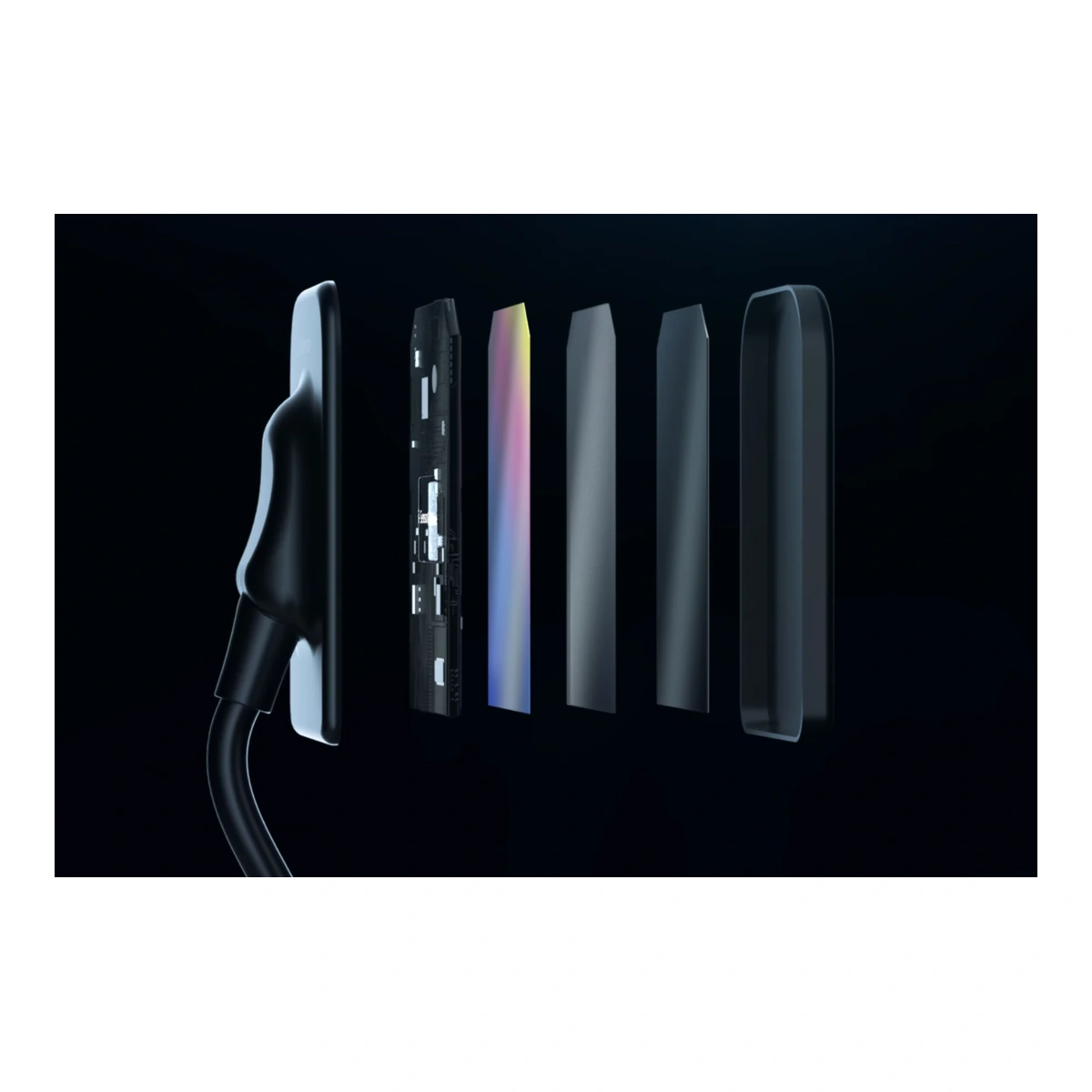
The reviewed catalogue describes APS CMOS detector technology, digital image acquisition and a computer connection. Image processing and viewing functions are provided through the compatible imaging software. A detector specification alone does not establish compatibility with every practice-management system or workstation. Before installation, confirm the supported software version, operating system, connection requirements and process for storing or exporting images into the practice’s record workflow.
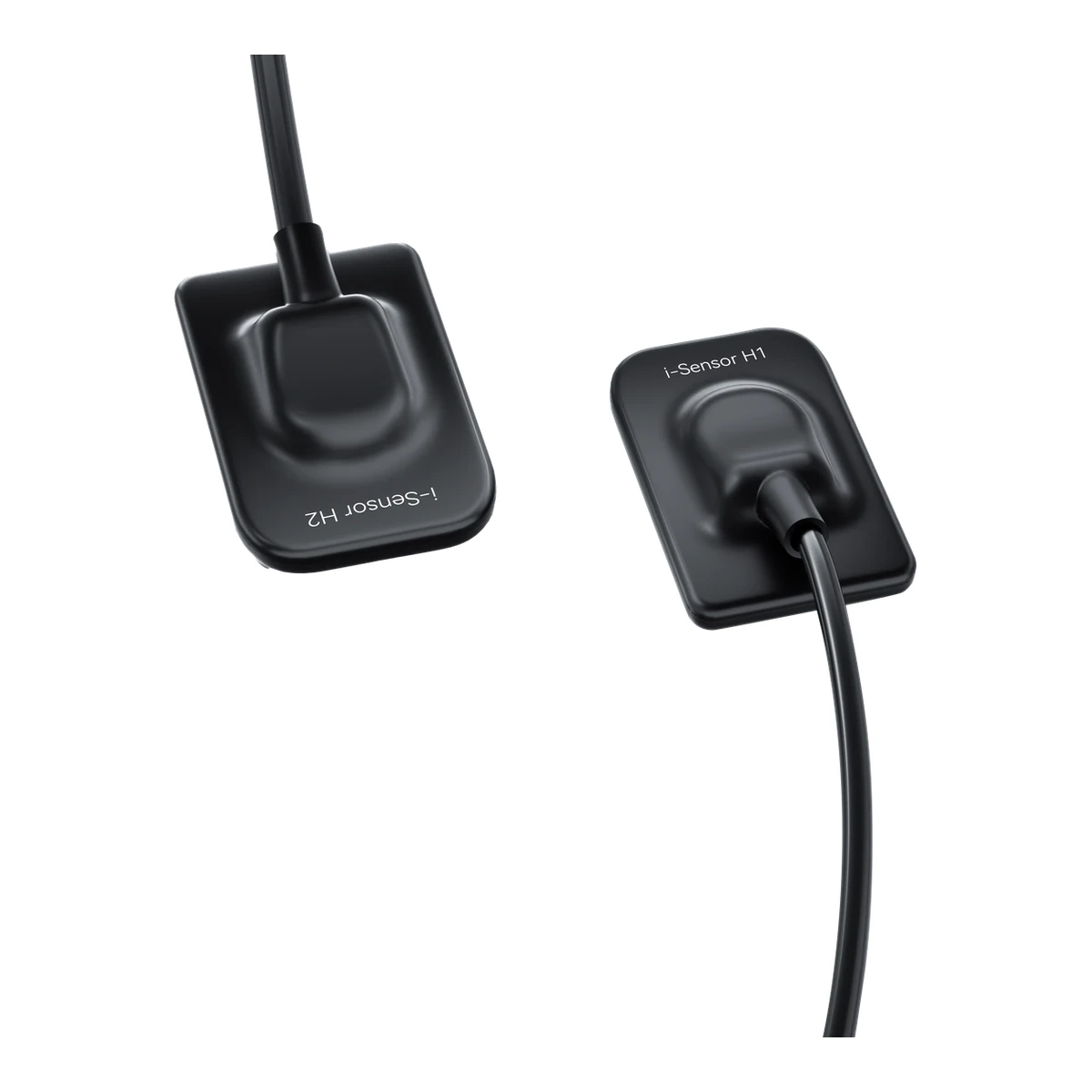
Plan what happens to the image after acquisition
A digital receptor becomes more useful when the practice has a clear route from acquisition to the patient record. Confirm how a new examination is identified, where the image is reviewed and how it is retained or exported when required. These are workflow decisions to check with the compatible imaging software. They should be evaluated separately from the sensor’s physical size, since a detector format does not by itself establish the clinic’s software or record-integration arrangements.
Specifications for Woodpecker i-Sensor
| Device | Digital intraoral radiographic image receptor |
|---|---|
| Detector family | APS CMOS technology in manufacturer literature |
| Size | Specify the individual sensor format on the order |
| Acquisition | Compatible computer and imaging software required |
5 easy buying checks for Woodpecker i-Sensor
Define how the device will work with the practice’s existing radiography procedure, detector or imaging plates, and image-review process.
Select the supplied H1/H2 size and sensor quantity explicitly. The offered list does not establish which size or how many detectors are included.
Check the supported workstation, connection and software version before installation. Plan how images will enter the practice’s records workflow.
Allow suitable space, electrical connections and operator access. Use the installation arrangement specified for the exact device.
Plan protective barriers, cleaning and access to compatible replacement components. Keep model-specific instructions with the equipment records.
Care for Woodpecker i-Sensor
Protect the sensor and cable from unnecessary pulling, pinching and impact. Use the appropriate protective barrier and the exact cleaning and disinfection procedure supplied with the model. Water-resistance or cleaning specifications must be interpreted for the actual delivered sensor and do not make every cleaning method suitable. Include cable routing, storage and a check of the receptor’s physical condition in the practice’s equipment routine.
Woodpecker i-Sensor: questions before you order
Does Woodpecker i-Sensor generate X-rays?
It records the exposure from an appropriate dental X-ray source. The source and the digital receptor perform different roles and should be selected as compatible parts of a complete imaging system.
How is the correct sensor size selected?
Specify the physical format required for the intended examinations and patients. Confirm the exact size in the order details, including the appropriate positioning accessories and protective barriers.
Can Woodpecker i-Sensor be used with any clinic software?
Compatibility depends on the supplied imaging software, drivers, operating system and any supported integration or export method. Confirm the current requirements for the actual workstation before purchase.
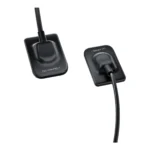
Does one item include every sensor pictured?
The supplied list identifies a single sensor item. The confirmed packing list determines its format and accessories. Images of multiple members of the family should not be interpreted as a multi-sensor bundle.


Reviews
Clear filtersThere are no reviews yet.