
 Endodontic Rotary Files
 Finishing Burs
 High-Speed Burs
 Low-Speed Drills
 Cosmetic Accessories
 Home Whitening Kits
 Clinic Whitening Kits
 Implant Accessories
 Implant Fixtures
 Prosthetic Components
 Surgical Implant Tools
 CAD & CAM Materials
 Lab Consumables
 Lab Equipment
 Digital Dentistry Devices
 Endodontic Equipment
 General Clinic Equipment
 Restorative Equipment
 Surgical Equipment
 Hand Files
 Irrigation & Medicaments
 Post & Core
 Rotary Files
 Sealers
 Brackets & Wires
 Clear Aligners
 Orthodontic Accessories
 Bonding & Adhesive Systems
 Finishing & Polishing
 Matrix Systems
 Etching Materials
 Composite Materials
 Occlusion Checking
 Bone & Grafting Materials
 Surgical Accessories
 Surgical Consumables
 Cementation
 Impression & Registration Materials
 Temporary Restorations
 Periodontal Instruments & Accessories
 Periodontal Treatment Materials



Digital Dentistry Devices
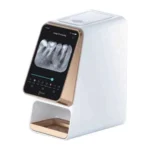
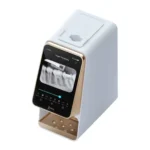
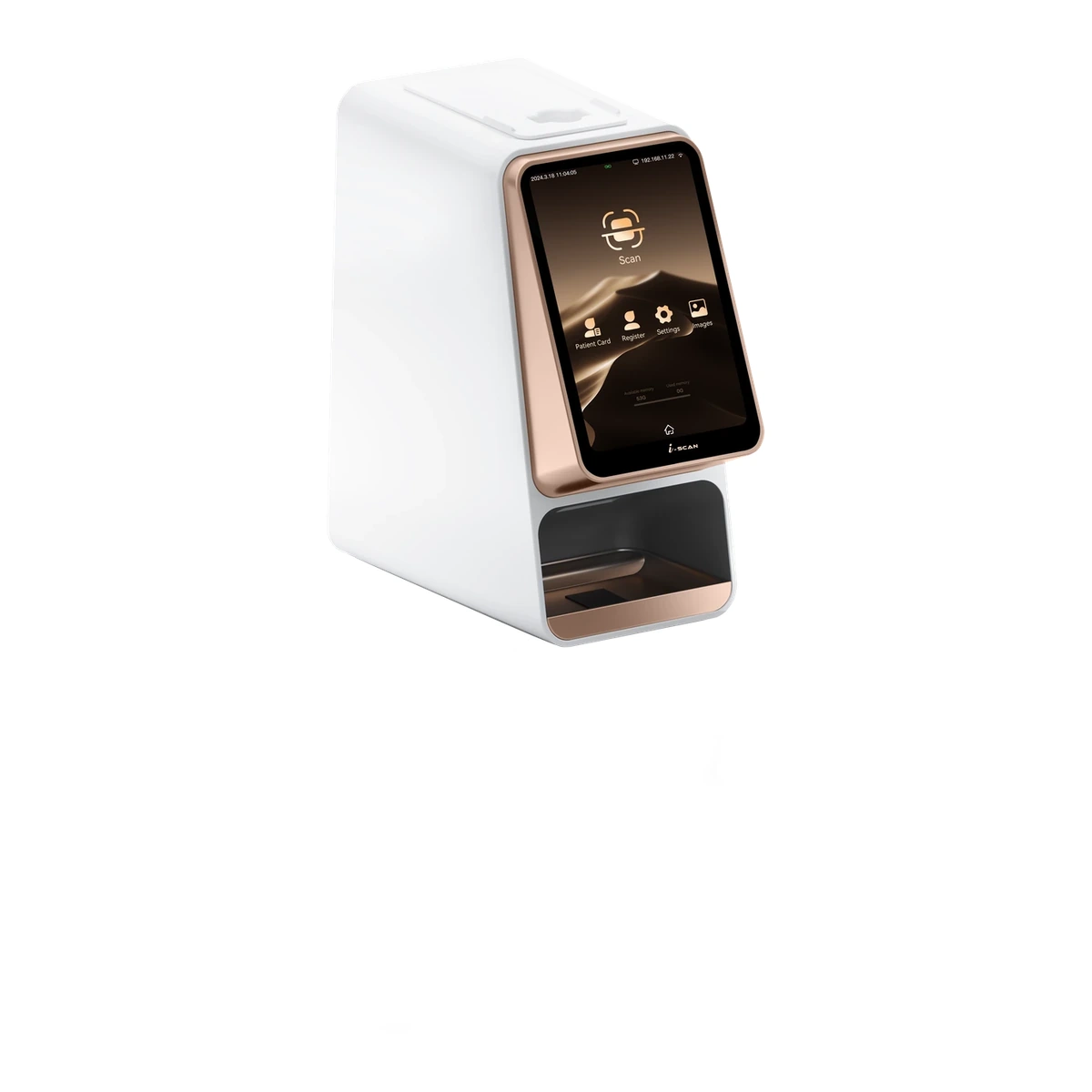
Woodpecker i-Scan Touchscreen
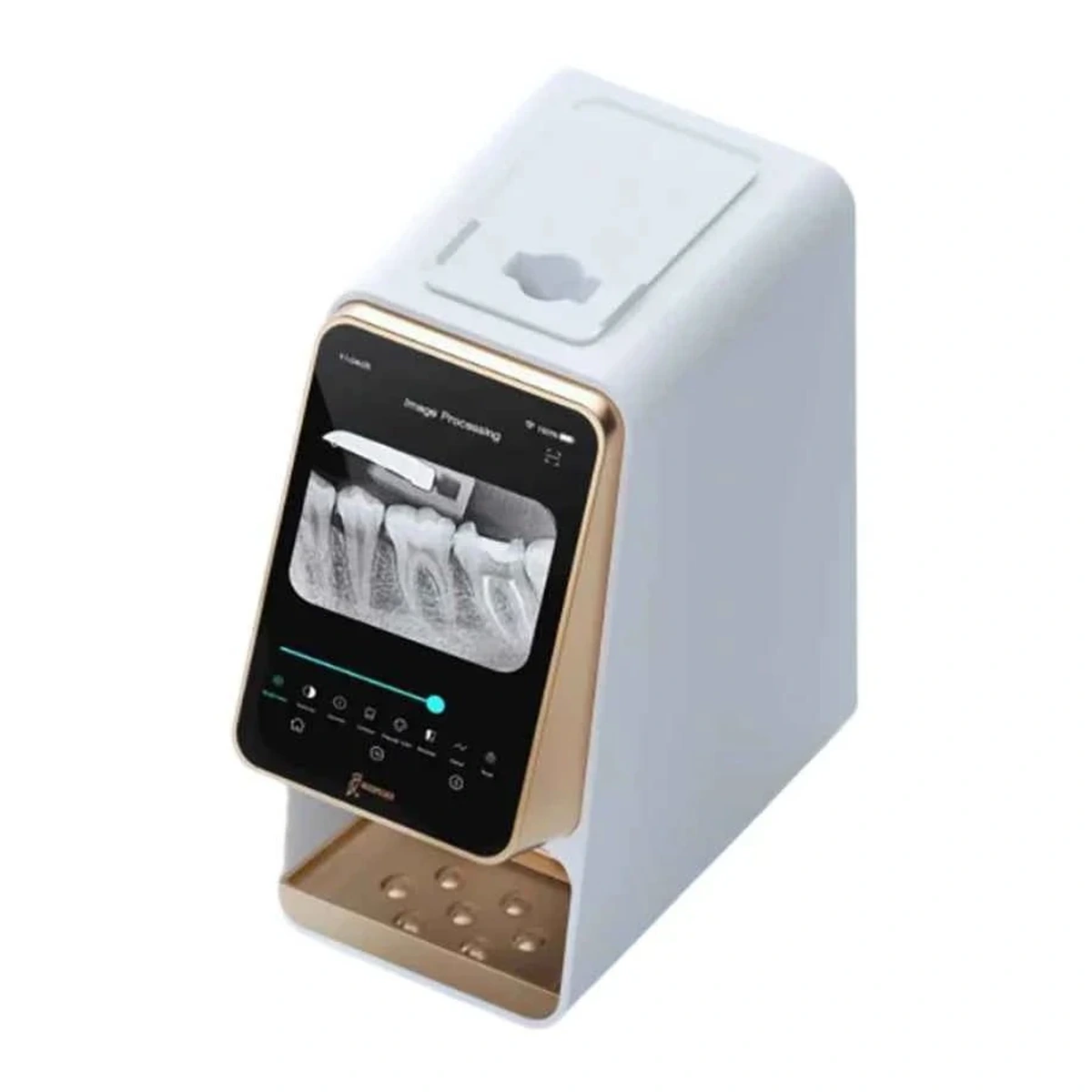
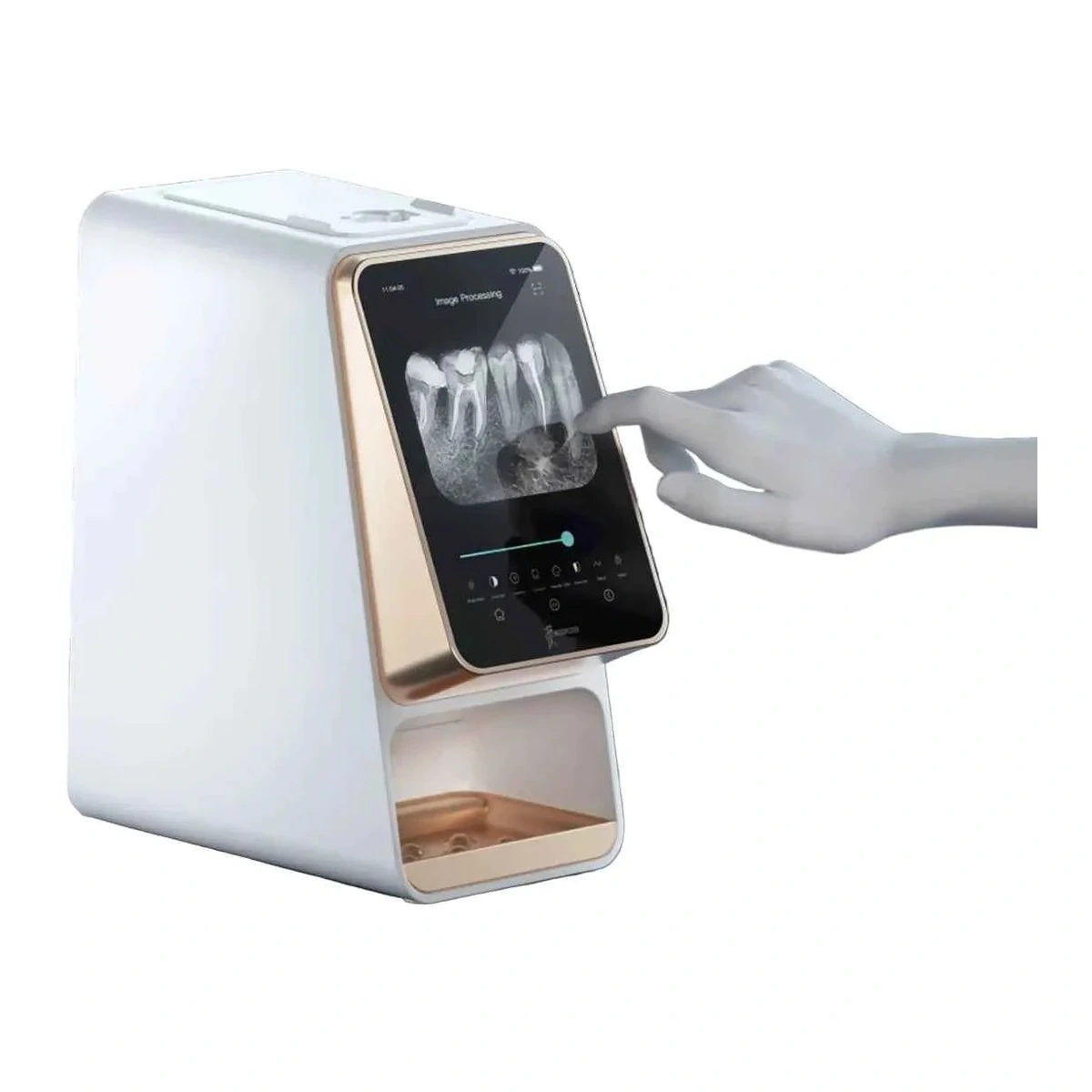
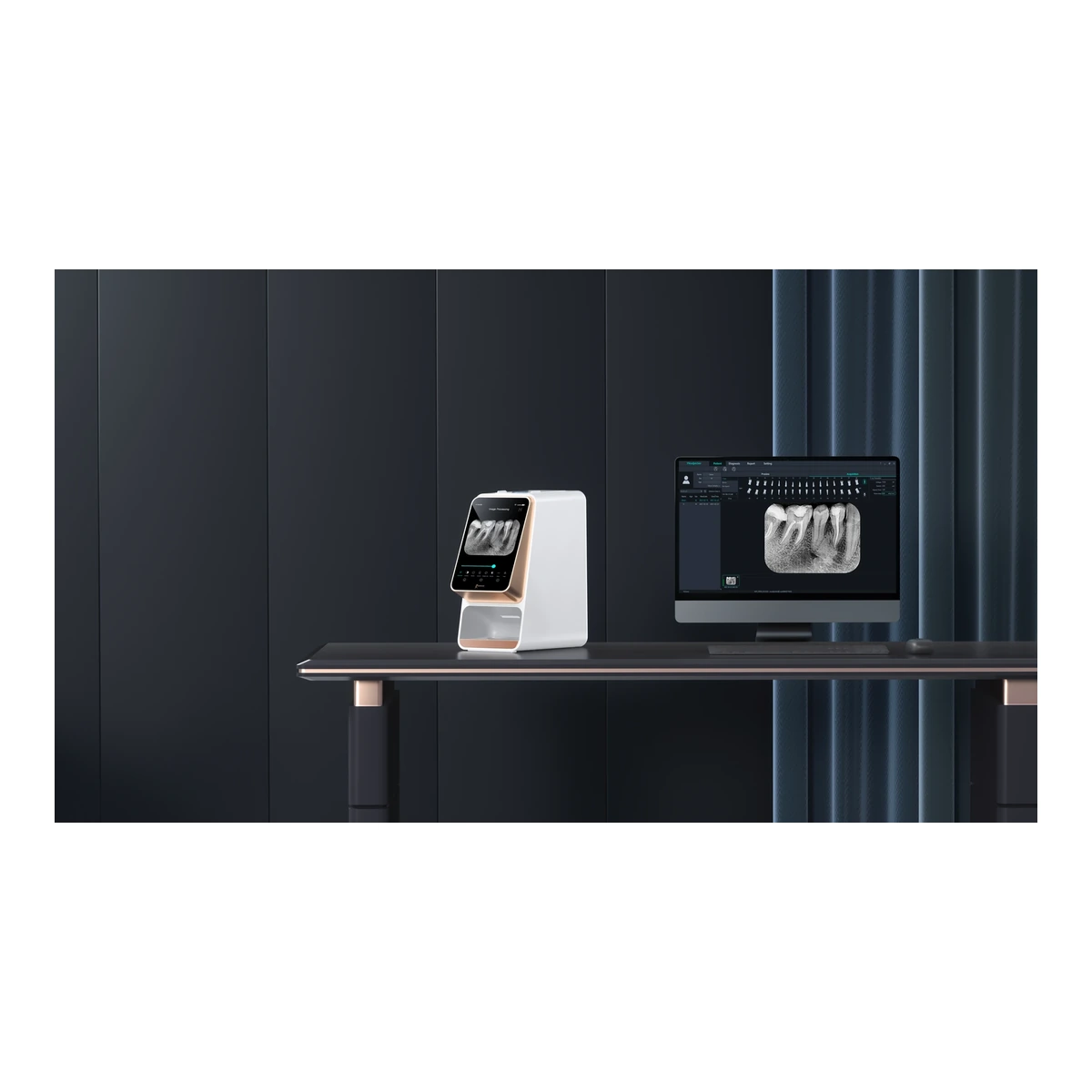
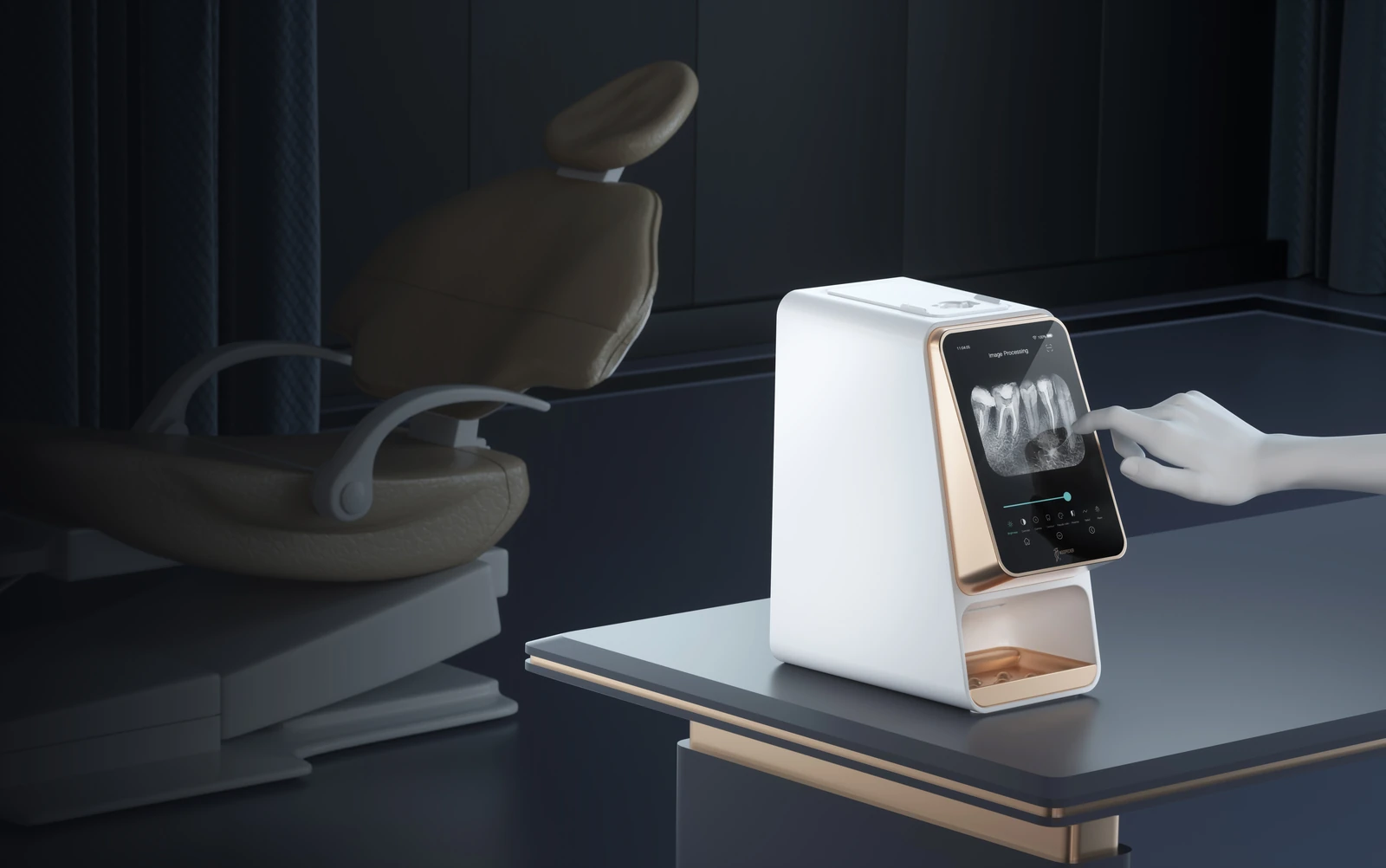
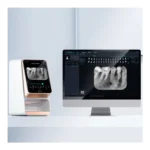
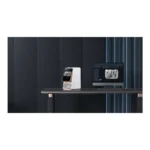
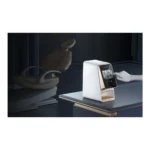
Woodpecker i-Scan brings imaging-plate scanning and a 7-inch touchscreen into a digital dental radiography workflow. It allows a practice to work with compatible PSP plates while converting exposed plates into digital images for review on the scanner and in the associated computer workflow. Consider plate handling, scanning and image organisation together when planning the installation.
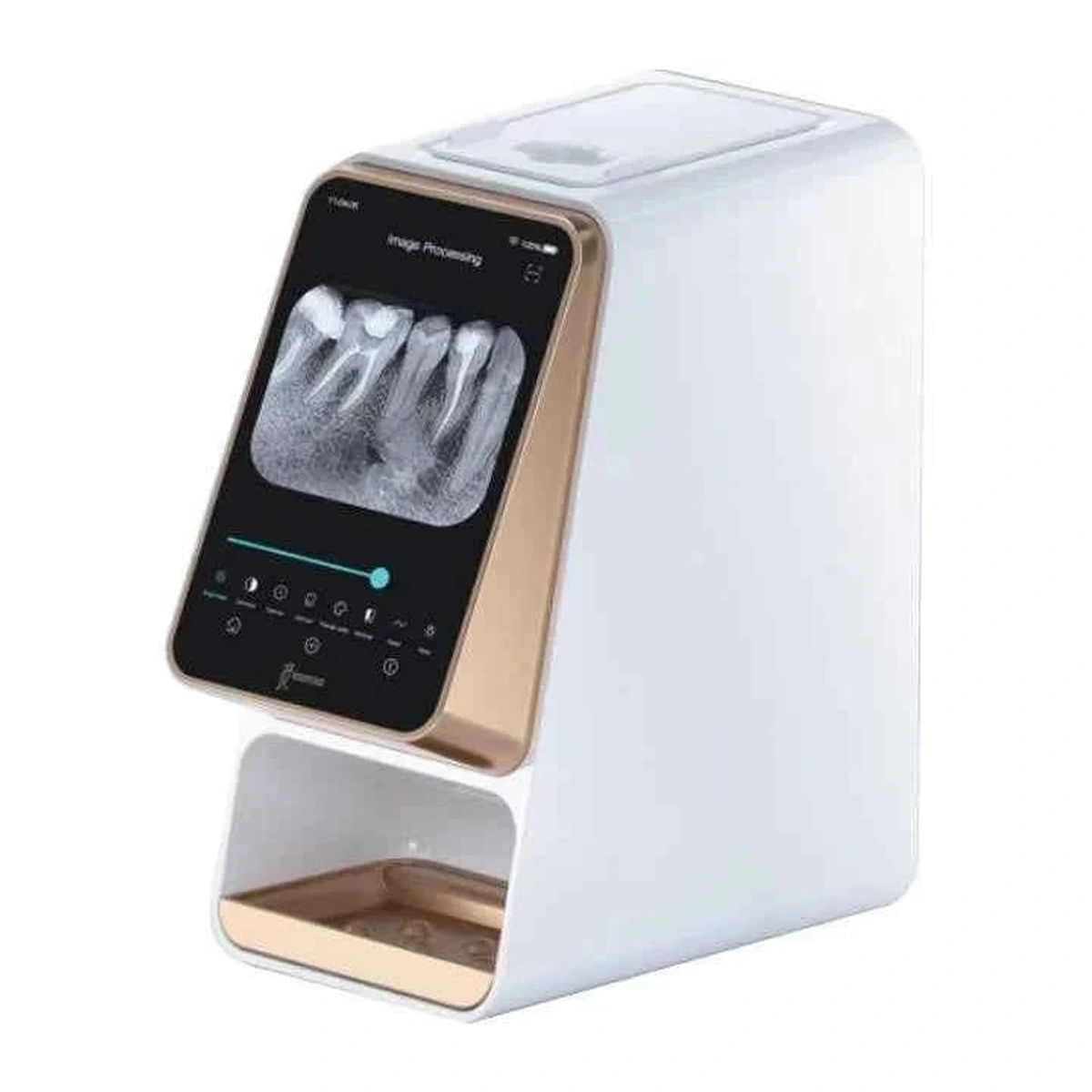
Woodpecker i-Scan: keep a familiar plate workflow, add digital image handling
Woodpecker i-Scan is intended to read exposed dental imaging plates. For a practice evaluating digital acquisition, the scanner is one part of the system: compatible plates, protective handling and the associated imaging software complete the workflow. The selected plate size should suit the clinical imaging task. A scanner purchase should therefore be assessed alongside the actual plates and accessories the practice plans to use.
A touchscreen for an organised scanning station
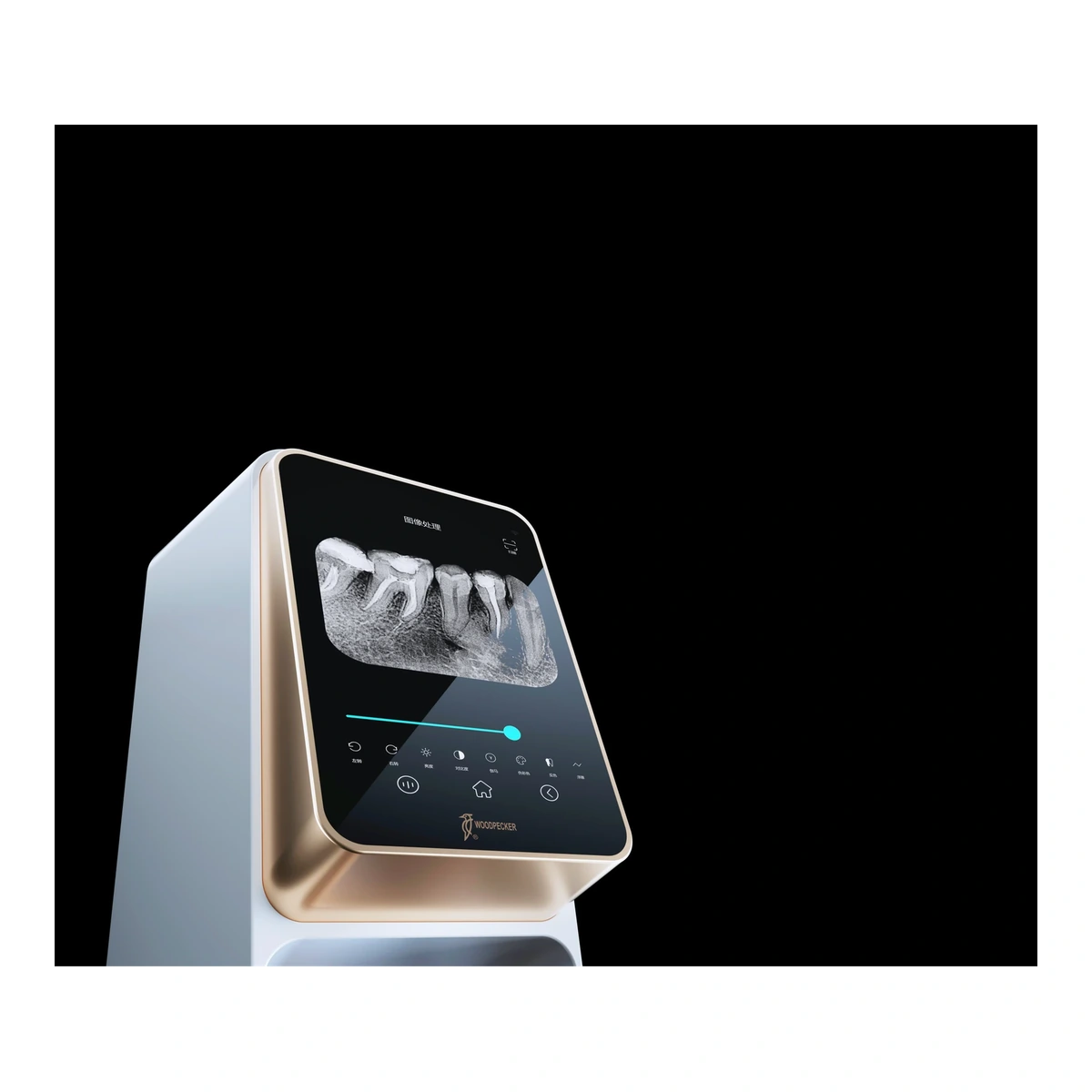
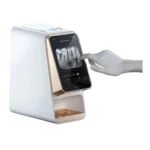
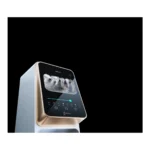
The documented 7-inch capacitive display has an 800 × 1280 resolution. It supports interaction with the scanner and image viewing on the unit. Think about the position of the scanning station, the operator’s access to the display and the route from plate handling to image review. The screen and the connected workstation serve related workflow roles; workstation requirements should be checked against the current software instructions.
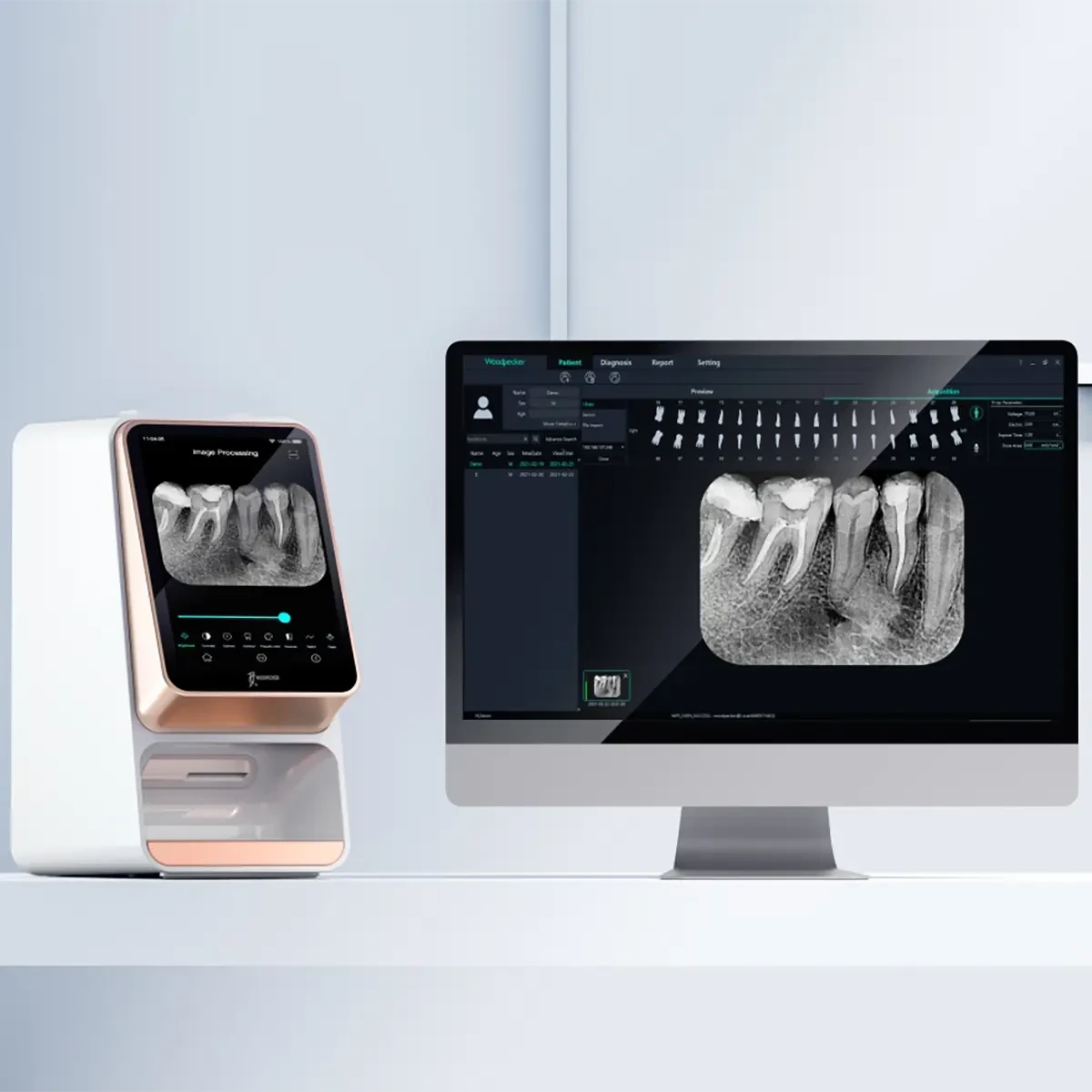
Select the right plate size and scan setting
Manufacturer information identifies imaging-plate sizes 0–3 and scanning settings with stated times of 7, 10 or 15 seconds. Scan settings and handling time should be interpreted for the exact configuration, rather than as a guarantee of total appointment time. Keep plate identification and patient records organised so the image from a scan is associated with the intended examination and can be retrieved through the practice’s established records process.
Protect the reusable plates and the image pathway
A useful Woodpecker i-Scan routine starts before the plate enters the scanner. Follow the specified barriers, handling and cleaning instructions, and inspect plates for damage or contamination according to the current guidance. Avoid treating plate care as identical to the care of a direct digital sensor. Keep the scan station ready for routine use, with compatible plates stored and handled as directed by the manufacturer.
Specifications for Woodpecker i-Scan
| Equipment type | Dental imaging-plate scanner |
|---|---|
| Touchscreen | 7-inch capacitive |
| Display resolution | 800 × 1280 |
| Compatible plate sizes | 0, 1, 2 and 3 |
| Stated scan settings | 7, 10 or 15 seconds; configuration dependent |
| Image workflow | On-device viewing and associated computer software |
5 easy buying checks for Woodpecker i-Scan
Define how the device will work with the practice’s existing radiography procedure, detector or imaging plates, and image-review process.
Choose the plate sizes needed for the practice and confirm the included quantities. Supported sizes 0–3 do not mean a full set is automatically supplied.
Check the supported workstation, connection and software version before installation. Plan how images will enter the practice’s records workflow.
Allow suitable space, electrical connections and operator access. Use the installation arrangement specified for the exact device.
Plan protective barriers, cleaning and access to compatible replacement components. Keep model-specific instructions with the equipment records.
Care for Woodpecker i-Scan
Follow the current Woodpecker i-Scan instructions for scanner surface care, plate handling and compatible accessories. Protect plates from damage and use the specified barriers and storage routine. Keep the scanner and computer workflow configured for the actual installation, and maintain a consistent process for associating acquired images with the correct patient record.
Woodpecker i-Scan: questions before you order
What does Woodpecker i-Scan read?
It reads compatible exposed dental imaging plates and converts the recorded image into a digital workflow. It is an imaging-plate scanner, so its handling routine differs from that of a direct digital intraoral sensor.
Which plate sizes are supported?
The reviewed manufacturer information identifies sizes 0–3. Select the size required for the intended examination and confirm which plates are included in the purchased configuration.
Does the touchscreen remove the need for a computer workflow?
The scanner provides on-device interaction and viewing, while manufacturer documentation also describes an associated computer workflow. Confirm the software, connection and records requirements for the installation you intend to use.
Does scan time equal the complete imaging procedure?
No. Stated scan settings describe the scanning stage. Plate preparation, positioning, handling and image-review steps also form part of the clinical workflow.


Reviews
Clear filtersThere are no reviews yet.