
 Endodontic Rotary Files
 Finishing Burs
 High-Speed Burs
 Low-Speed Drills
 Cosmetic Accessories
 Home Whitening Kits
 Clinic Whitening Kits
 Implant Accessories
 Implant Fixtures
 Prosthetic Components
 Surgical Implant Tools
 CAD & CAM Materials
 Lab Consumables
 Lab Equipment
 Digital Dentistry Devices
 Endodontic Equipment
 General Clinic Equipment
 Restorative Equipment
 Surgical Equipment
 Hand Files
 Irrigation & Medicaments
 Post & Core
 Rotary Files
 Sealers
 Brackets & Wires
 Clear Aligners
 Orthodontic Accessories
 Bonding & Adhesive Systems
 Finishing & Polishing
 Matrix Systems
 Etching Materials
 Composite Materials
 Occlusion Checking
 Bone & Grafting Materials
 Surgical Accessories
 Surgical Consumables
 Cementation
 Impression & Registration Materials
 Temporary Restorations
 Periodontal Instruments & Accessories
 Periodontal Treatment Materials



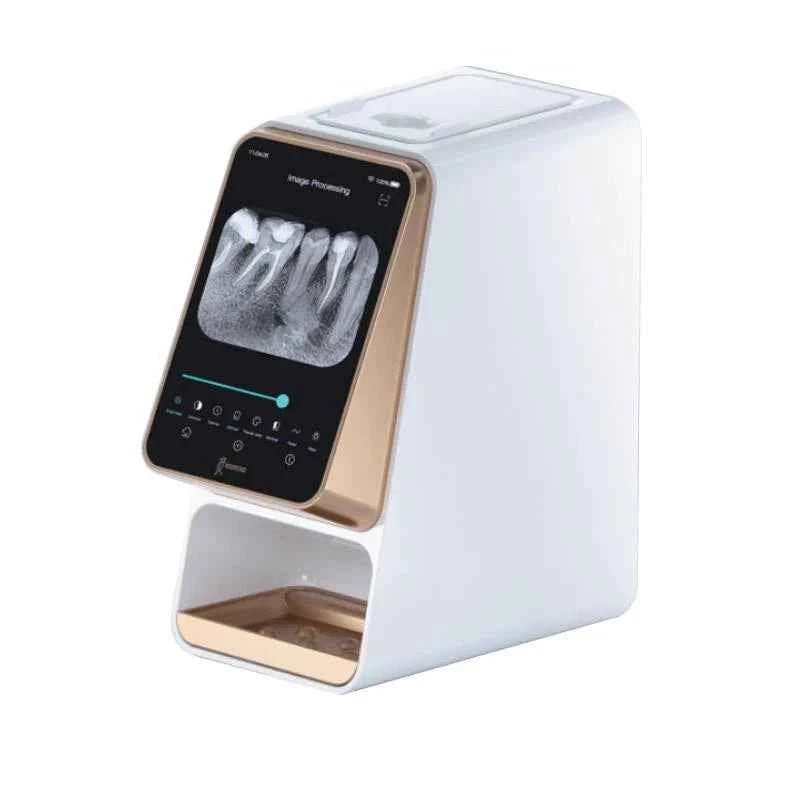
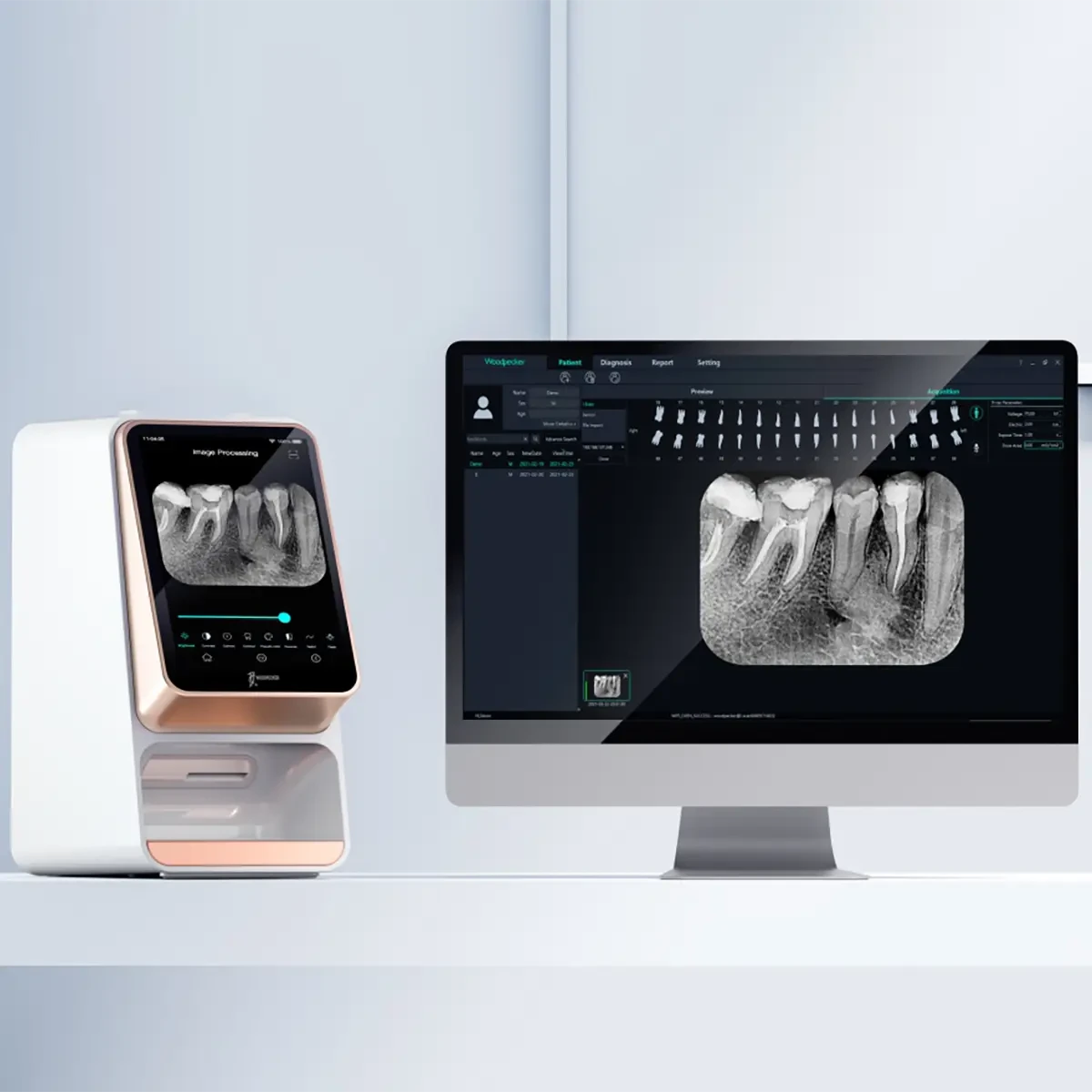
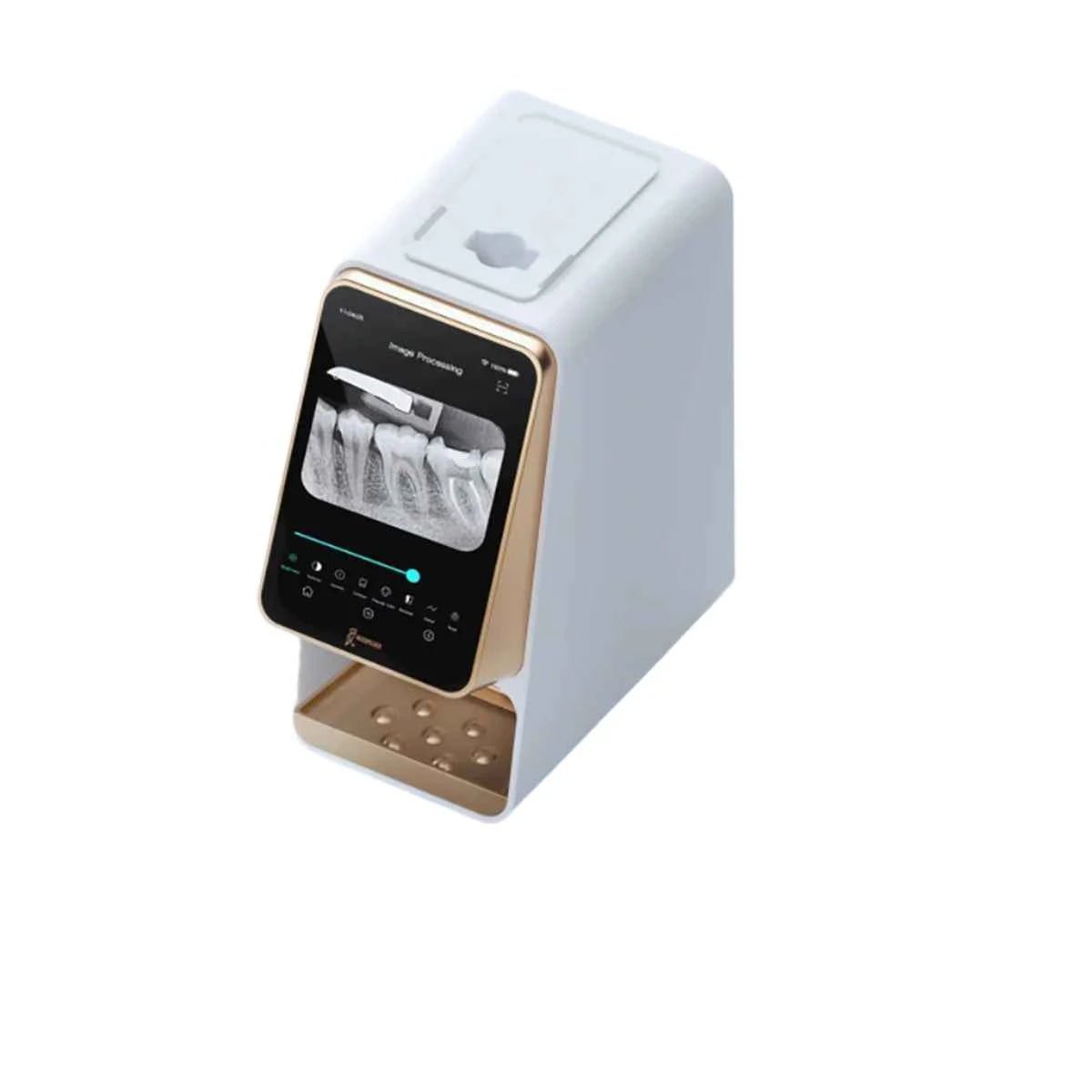
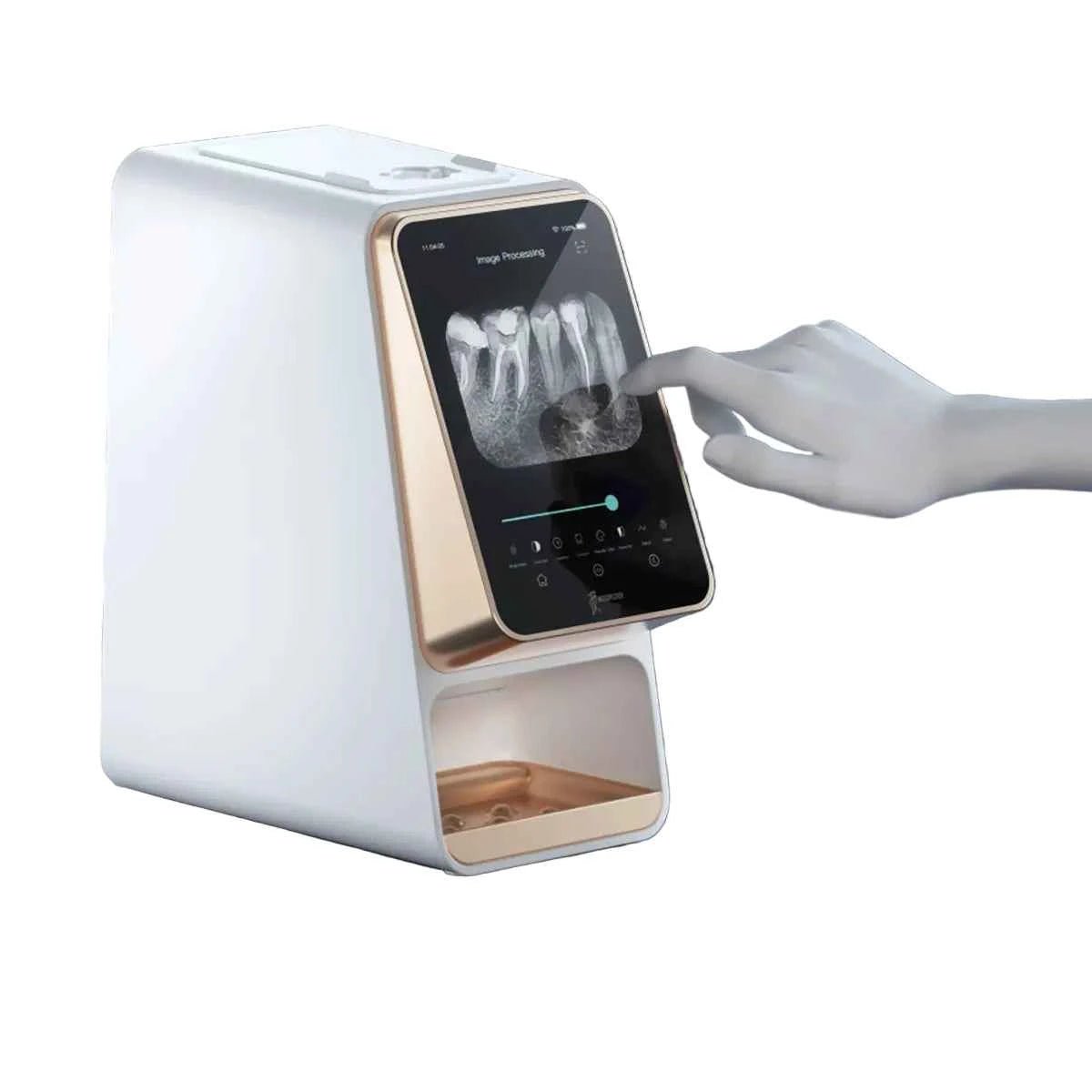
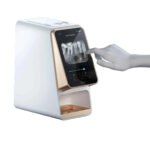

WoodPecker i-SCAN Touchscreen is a wireless imaging plate scanner designed to bring dental radiographs into a digital viewing workflow. It reads compatible exposed imaging plates and provides a touchscreen interface for reviewing the resulting images. For dentists and clinics upgrading from film-based systems, the device combines plate scanning with on-device viewing rather than requiring every image to be reviewed first at a separate computer.
A touchscreen built for chairside review
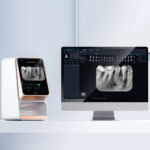
The supplied WoodPecker catalogue identifies a 7-inch capacitive touchscreen with an 800 × 1280 display. The screen supports image viewing directly on the scanner, allowing the operator to inspect the image near the treatment area. Computer viewing is also described in the catalogue. This combination can help a practice choose where images are reviewed, discussed and incorporated into its existing record workflow. Screen resolution describes the display; it should not be confused with the scanner’s spatial resolution.
WoodPecker i-SCAN Touchscreen imaging workflow
The i-SCAN is an imaging plate scanner, so acquisition begins with a compatible plate exposed using a separate dental X-ray device. The scanner is not an X-ray generator or an optical intraoral scanner. After scanning, image processing and viewing take place through the device interface and supported software. The catalogue describes one-click scanning and image viewing, alongside image analysis functions. Exposure settings, plate handling and diagnostic interpretation remain the responsibility of qualified dental professionals.
Four imaging plate sizes
The manufacturer catalogue lists intraoral plate sizes 0, 1, 2 and 3 as compatible with i-Scan. This gives the practice a choice of plate format for different intraoral positions. Plate size should be selected according to the examination and the patient. Compatible plate sizes do not establish how many plates are supplied in the commercial package. Ask Denta24 to confirm the included plate assortment, protective sleeves and any additional consumables before ordering.
Processing and software
WoodPecker describes an eight-core processing platform with FPGA support in the supplied catalogue. The device provides image processing on the scanner, while the accompanying software is described as supporting image optimization and multiple languages. Before integrating WoodPecker i-SCAN Touchscreen into an established clinic network, confirm the current software version, supported operating systems, connectivity requirements and any licensing conditions. Compatibility with a particular practice-management system is not established by the supplied documents.
Planning an installation in Africa
For dental clinics and hospitals across Africa, a radiography upgrade should account for the complete acquisition process. Review the existing X-ray equipment, scanner location, access to the software workstation and image backup arrangements. Consider how staff will identify patients, handle plates and transfer images into the clinic’s records. Local radiation rules apply to the separate X-ray equipment and its operation. Discuss destination-specific delivery, installation needs and ongoing access to compatible consumables with Denta24.
Care and purchasing considerations
Imaging plates require careful handling to protect their surfaces. Follow the current manufacturer instructions for cleaning, protection, storage and scanning. The supplied i-Scan technical sheet lists an operating temperature of 5–40°C, relative humidity of 30–75% and atmospheric pressure of 70–106 kPa. Confirm these conditions against the manual supplied with the ordered unit. Package dimensions, shipping weight, warranty terms and delivery time should be confirmed on the quotation.
WoodPecker i-SCAN Touchscreen: Frequently Asked Questions
Does WoodPecker i-SCAN Touchscreen take X-rays?
No. It scans exposed imaging plates. A separate compatible dental X-ray device is required for the exposure.
Which plate sizes can it scan?
The supplied manufacturer catalogue lists sizes 0, 1, 2 and 3. The number and sizes included in the ordered package must be confirmed.
Can images be viewed on the scanner?
Yes. The catalogue describes on-device image viewing through the 7-inch touchscreen, along with computer viewing.
What should I confirm before ordering WoodPecker i-SCAN Touchscreen?
Confirm the plate assortment, software requirements, connectivity, accessories, warranty and destination-specific delivery arrangements.
Explore Denta24 dental equipment and materials or consult the official WoodPecker manufacturer for further product information.


Reviews
Clear filtersThere are no reviews yet.